
Turn any track into drips of sound.
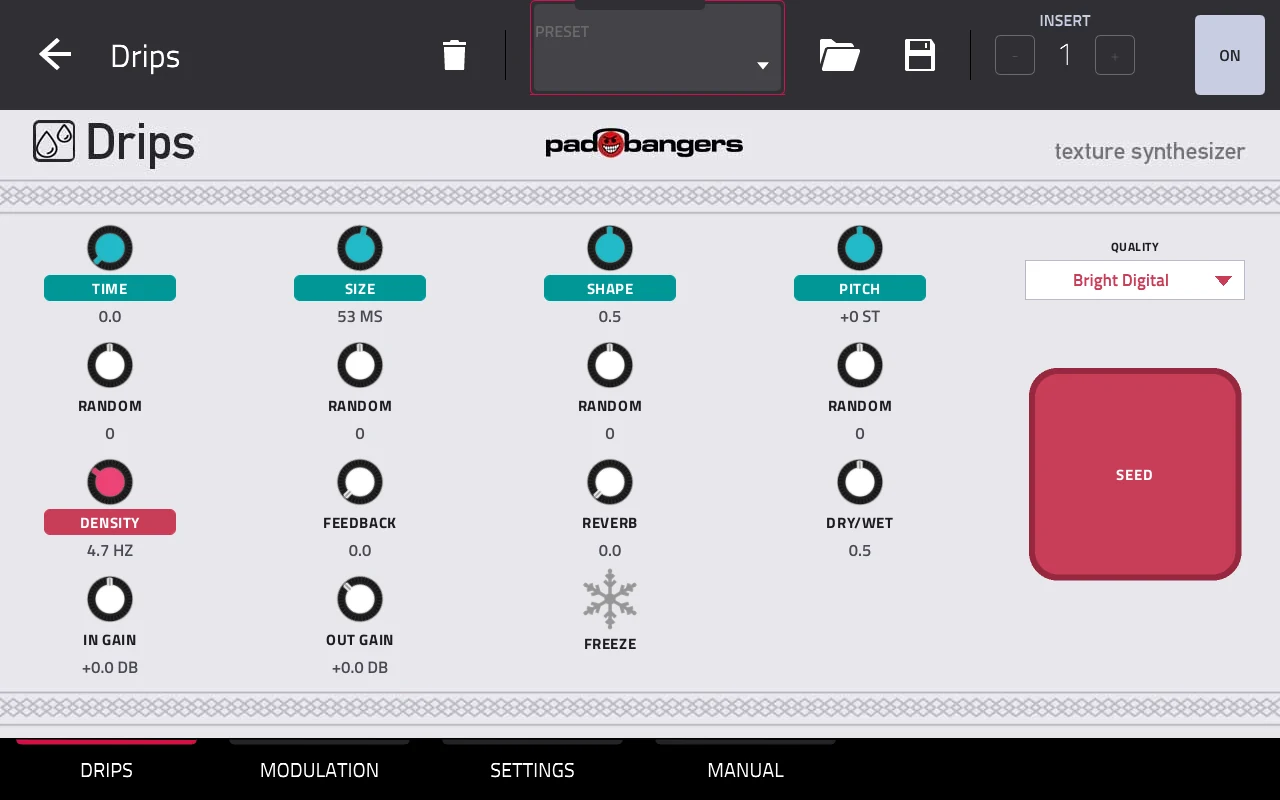
Drips is a granular texture synthesizer for your standalone MPC, built on Émilie Gillet's open-source Beads DSP, the successor of Clouds. Put it on any track as an insert effect: it records the audio and replays it as up to 30 grains, as a tape-like delay or a beat slicer, in sync with your MPC.
Free · open source (MIT) · standalone MPC with the Hakai firmware.
Features
Grains with character
Time, Size, Shape and Pitch set each grain, and a Random knob under each one varies it from grain to grain. Four recording qualities, each at its own sample rate as on the hardware: clean Bright Digital, lo-fi Cold Digital, saturated Sunny Tape and wobbly Scorched Cassette, with a buffer of up to 32 seconds. Every control sits on a Q-Link.
Delay, beat slicer, wavetables
Turn Size fully right and Drips becomes a delay, synced to the MPC's tempo if you like; with Freeze on it slices the buffer into loops. Grains run continuously, only while you hold Seed, or clocked by MIDI notes or the MPC tempo. No input at hand? Switch the source to Wavetables.
A modulation page
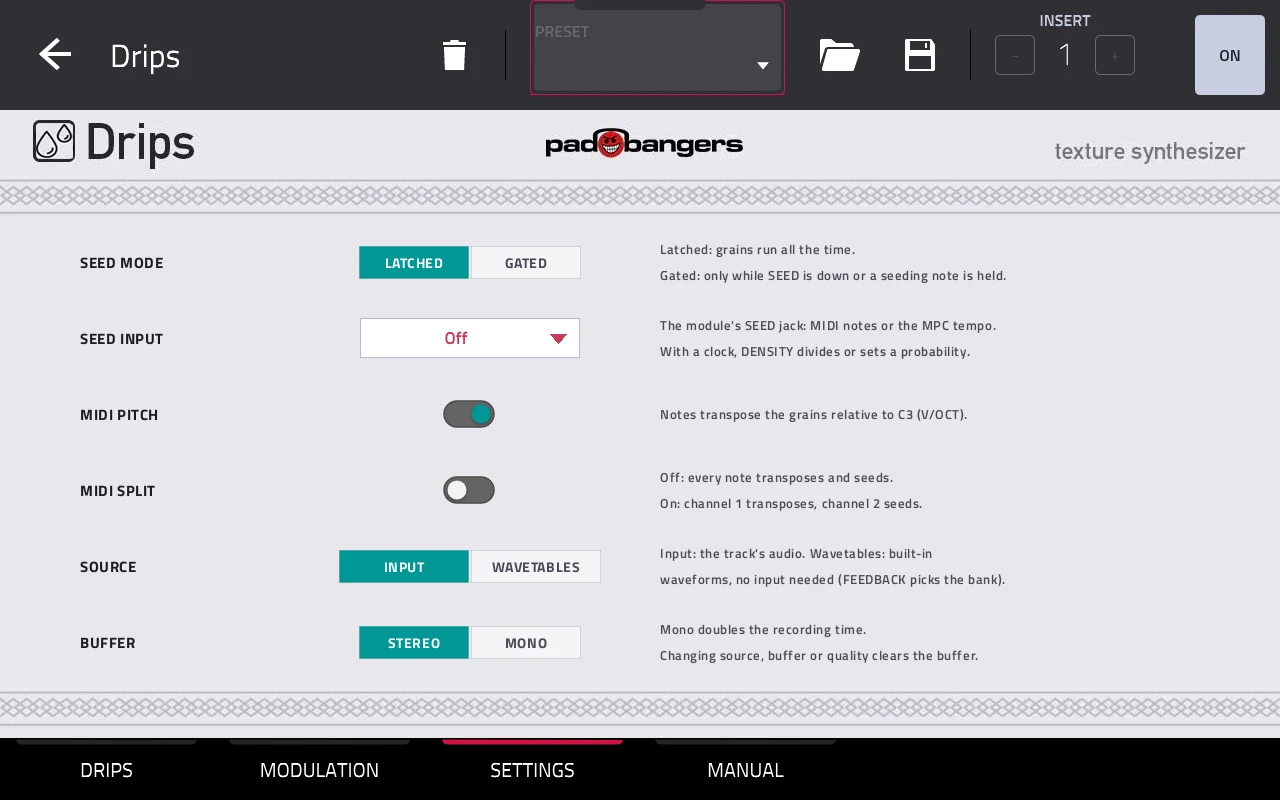
Two ADSR envelopes, two LFOs with seven shapes (free or synced to the MPC's tempo) and an 8-slot matrix onto Time, Size, Shape, Pitch, Density, Feedback, Dry/Wet, Reverb, Freeze and Seed.
Play it from MIDI
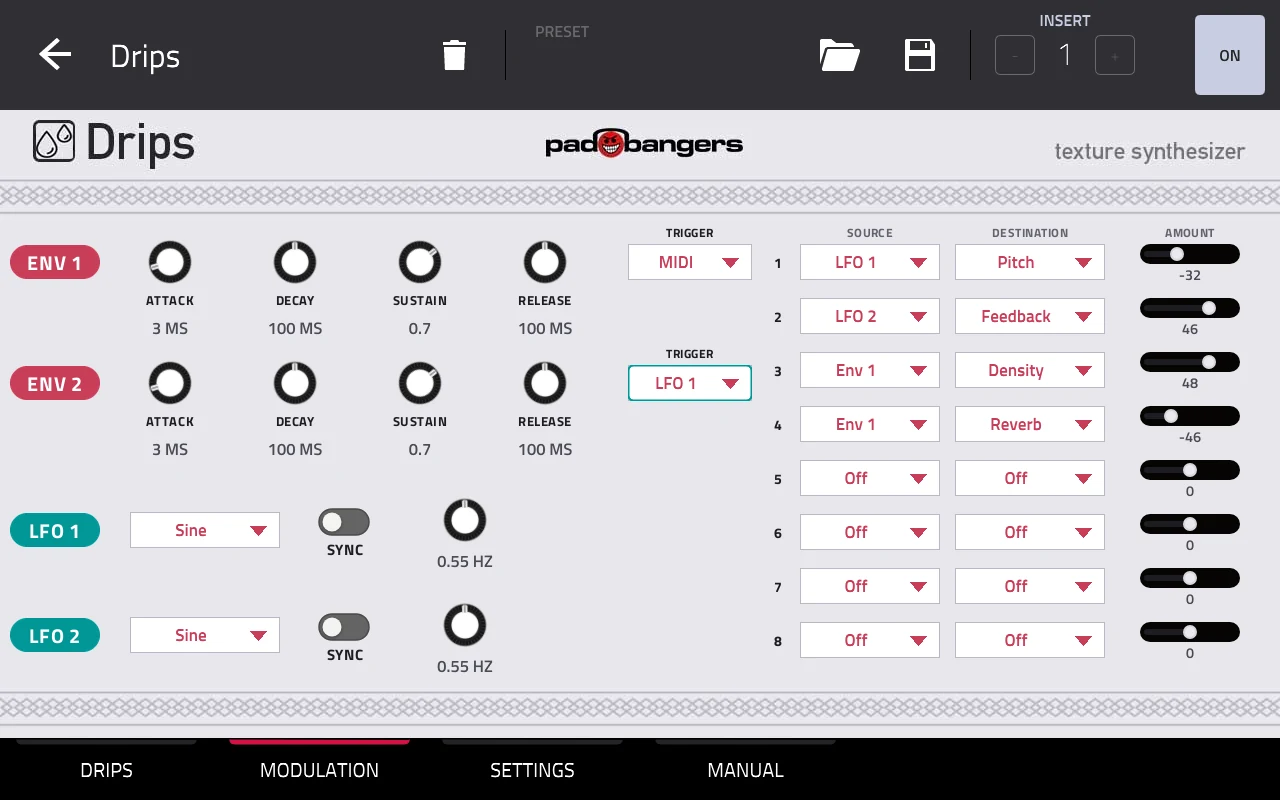
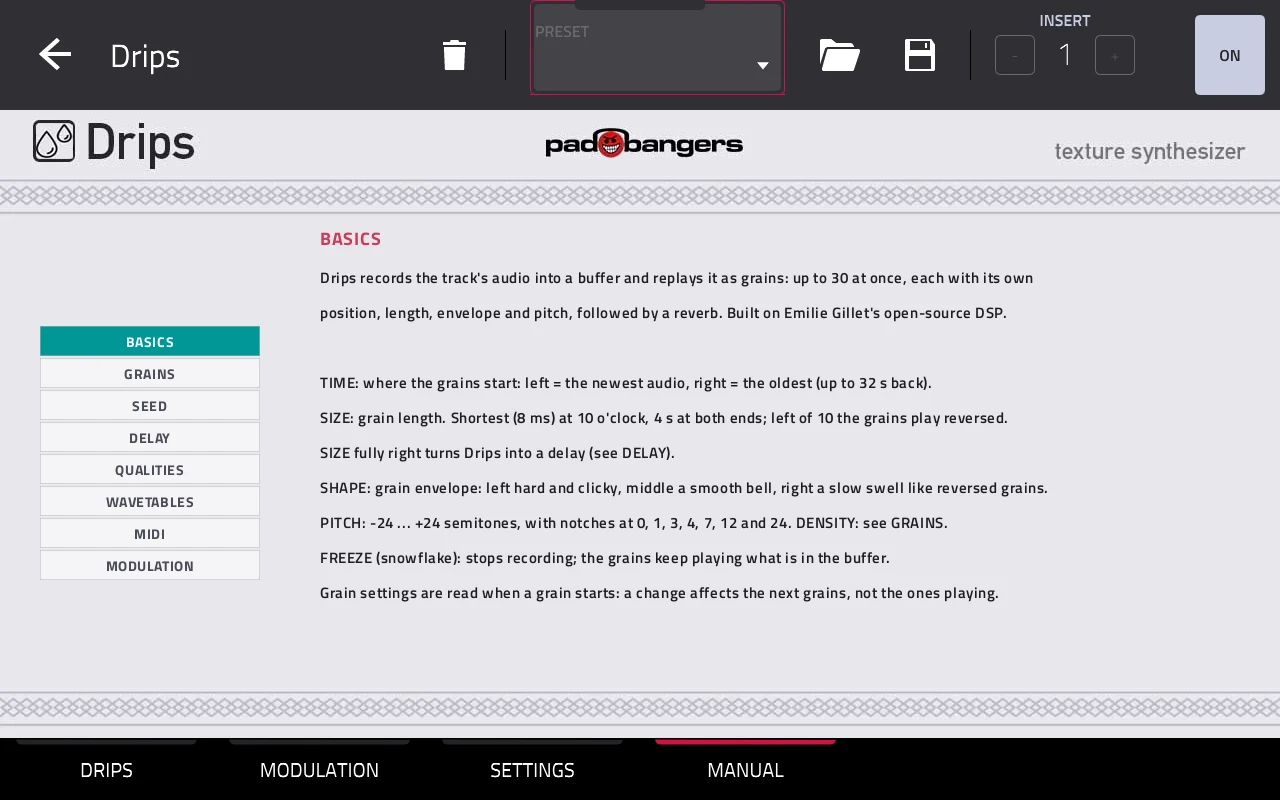
MPC OS sends no MIDI to insert effects, so every Drips opens its own MIDI input. Notes transpose the grains and seed them; with MIDI Split on, channel 1 plays the pitch and channel 2 the rhythm. The MANUAL tab explains everything right on the MPC's screen.
Use it
- 1Install Drips with the GitHub release's install script, or through the MPC VST Plugin Catalog (see Download).
- 2Insert it as an insert effect on any track: Insert effects, manufacturer Padbangers.
- 3Shape the grains on the DRIPS tab: Time, Size and Density set the cloud, Freeze holds it, the big pad seeds it.
- 4Optional: modulate it on the MODULATION tab, or play it from a MIDI track with its output set to Drips 1.
Download
Free and open source (MIT).
Requires the Hakai firmware. This runs on standalone Akai MPCs (and the Force) that have been modded with the Hakai firmware, which gives you root access over SSH. A stock MPC can't install it.
Best way to install: through the MPC VST Plugin Catalog — download it there, or install it straight from the MPC with the catalog's Plugin Manager. The catalog also tells you about updates. Prefer to do it by hand? The release files and an install script are on GitHub.
Beads DSP by Émilie Gillet (MIT). Built with the mpc-vst-plugins framework. Installing plugins on a modded MPC is unofficial: back up your projects and use it at your own risk. Not affiliated with Mutable Instruments, Akai Professional or inMusic.