
Your sample library in your MPC's browser, over the network.
MPC Link is a small menu bar app for macOS and Windows. It puts folders from your computer into your standalone MPC's browser: load samples straight from the computer, save projects back to it. No controller mode, no copying, no USB stick.
Free · open source (MIT) · macOS 11+ and Windows 10/11 · standalone MPC with the Hakai firmware.
Features
Your folders, right in the MPC's browser
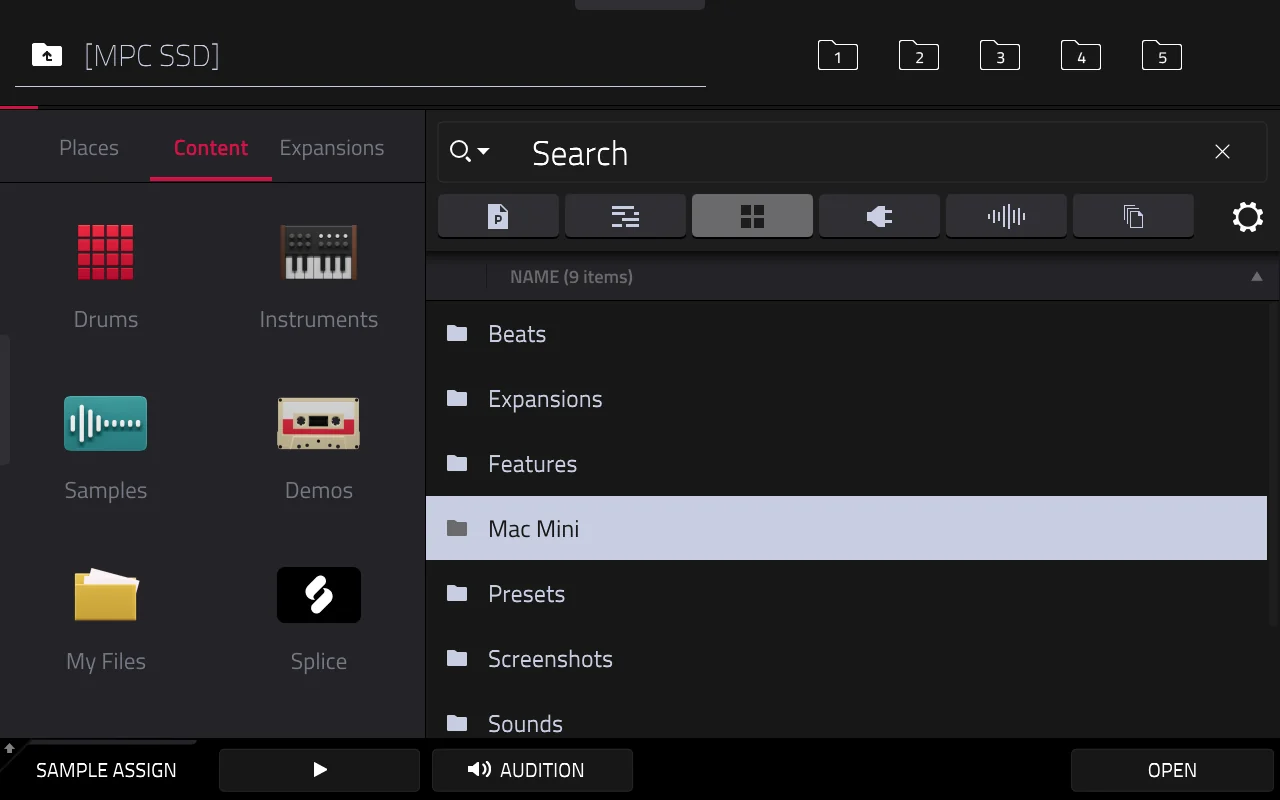
Your computer shows up as a folder on the MPC, for example MPC SSD → Mac Mini → Samples. Preview, load and drag samples as usual; what you save there is written straight to your computer.
Set up in a minute
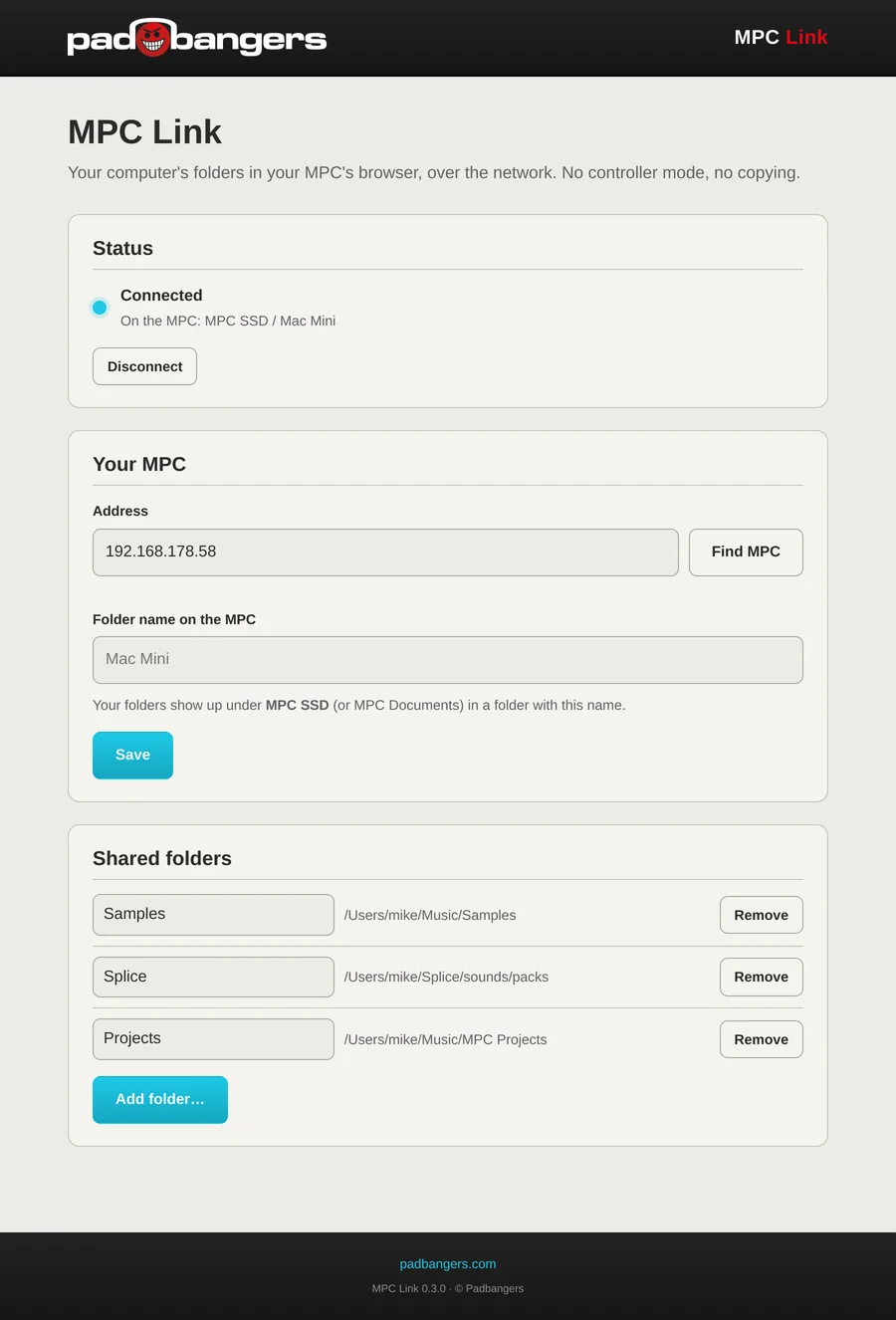
Find MPC searches your network, Add folder… picks the folders to share: your sample library, a Splice folder, your projects. Choose the drive on the MPC (an SSD, SD card or USB drive, or the internal storage), and MPC Link finds the MPC's drives by itself, whatever they're called.
Stays out of your way
It lives in the menu bar (macOS) or the tray (Windows), connects by itself whenever the MPC is on the network and reconnects after a dropout. Nothing changes on the MPC's firmware: MPC Link only copies one small helper program there.
Set up
- 1Download MPC Link for your computer (see Download) and start it. It's unsigned: on macOS open it the first time with right-click → Open; on Windows choose More info → Run anyway.
- 2Find MPC on the settings page and pick yours, then Save.
- 3Add folder… for every folder you want on the MPC, and choose the drive on the MPC they should show up on.
- 4On the MPC, open the browser: your computer's folder is on that drive.
Download
Free and open source (MIT).
Requires the Hakai firmware. This runs on standalone Akai MPCs (and the Force) that have been modded with the Hakai firmware, which gives you root access over SSH. A stock MPC can't install it.
MPC Link is a desktop app, so it isn't in the MPC VST Plugin Catalog (that's for plugins that run on the MPC). Download it from GitHub below.
The Windows version is new and hasn't been tested on many machines yet.
MPC Link logs in to the MPC as root without a password, the way the Hakai firmware allows, so keep the MPC on networks you trust. It uses SSHFS (GPL-2.0) on the MPC. Not affiliated with Akai Professional or inMusic. MPC is a trademark of inMusic Brands.