
Grains, clouds and frozen textures on your MPC.
Overcast is Mutable Instruments Clouds with Matthias Puech's Parasites firmware, running as a native insert effect on your standalone MPC. Put it on any track and turn drums, vocals or pads into clouds of grains, stretched loops, spectral drones or huge reverbs, with a modulation page on top.
Free · open source (MIT) · standalone MPC with the Hakai firmware.
Features
Six modes in one effect
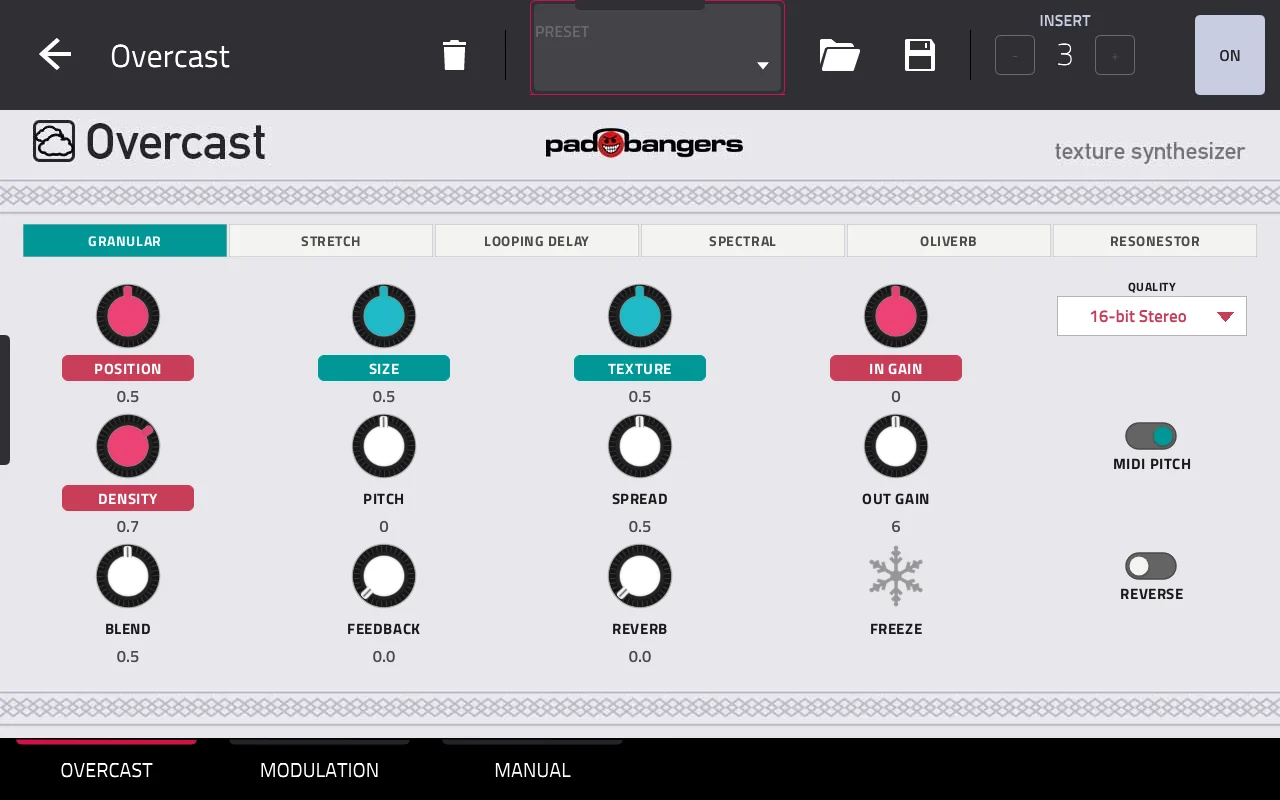
Granular, Stretch, Looping Delay, Spectral, Oliverb and Resonestor: the four Clouds modes plus the two from Parasites. The knob names follow the mode, just like on the module's secret pages, and every control sits on a Q-Link.
A modulation page
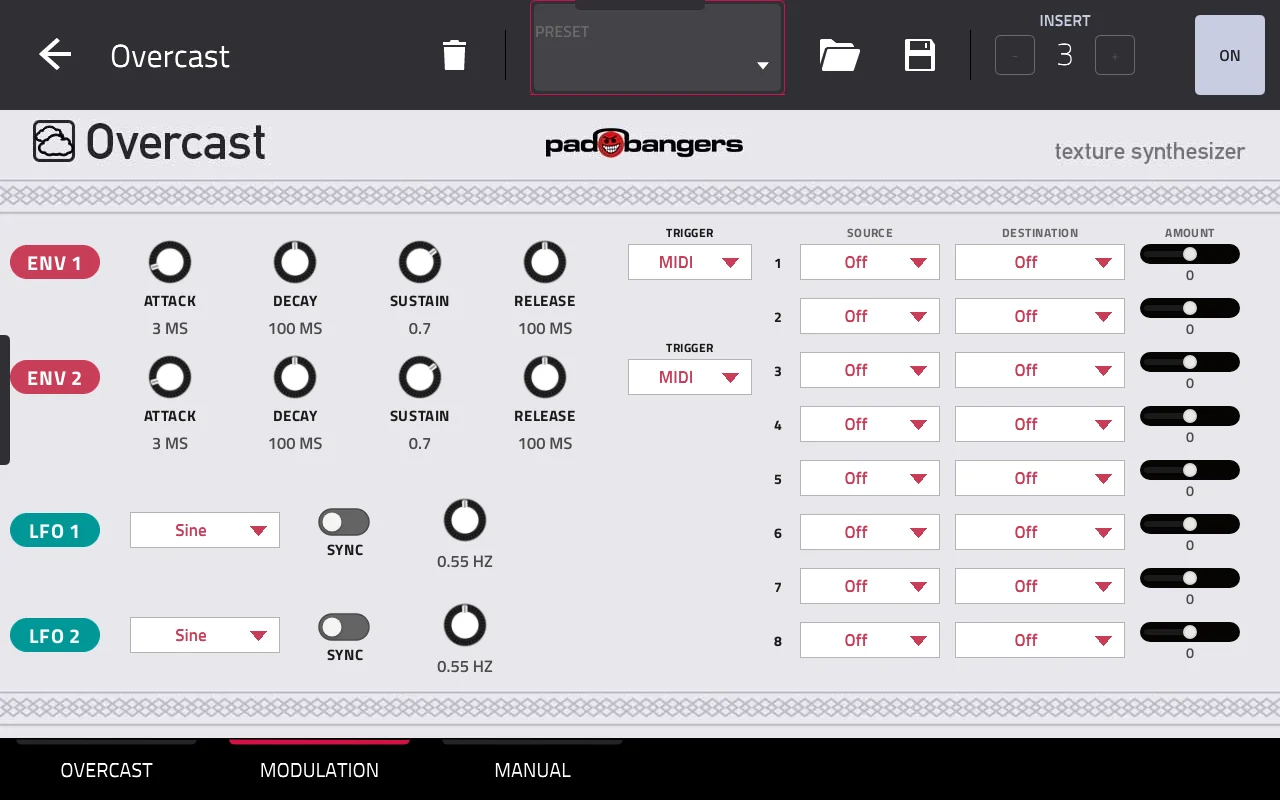
Two ADSR envelopes, two LFOs with seven shapes (free or synced to the MPC's tempo) and an 8-slot matrix onto the module's CV inputs: Position, Size, Pitch, Density, Texture, Blend, Spread, Feedback, Reverb, Freeze and Trigger.
Play it from a MIDI track
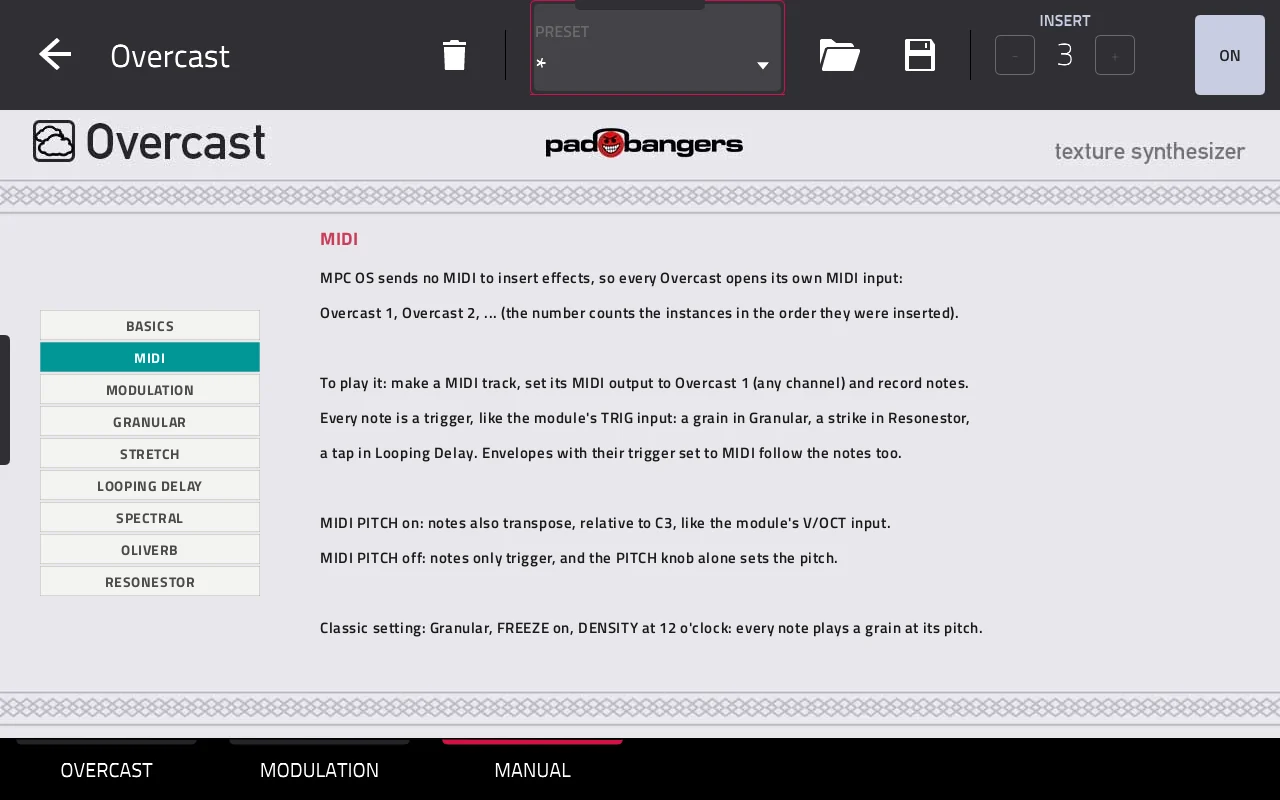
MPC OS sends no MIDI to insert effects, so every Overcast opens its own MIDI input. Point a MIDI track at it: each note triggers a grain, and with MIDI Pitch on it transposes like the module's V/OCT input. Freeze on, Density at 12 o'clock, and every note plays a grain at its pitch.
A manual on the MPC
The MANUAL tab explains the basics, MIDI, the modulation page and every mode, right on the MPC's screen. In/Out Gain with an output limiter keeps levels in check.
Use it
- 1Install Overcast, best through the MPC VST Plugin Catalog (see Download).
- 2Insert it as an insert effect on any track: Insert effects, manufacturer Padbangers.
- 3Pick a mode at the top of the OVERCAST tab and play: Position, Size and Density shape the cloud, Freeze holds it.
- 4Optional: modulate it on the MODULATION tab, or play it from a MIDI track with its output set to Overcast 1.
Download
Free and open source (MIT).
Requires the Hakai firmware. This runs on standalone Akai MPCs (and the Force) that have been modded with the Hakai firmware, which gives you root access over SSH. A stock MPC can't install it.
Best way to install: through the MPC VST Plugin Catalog — download it there, or install it straight from the MPC with the catalog's Plugin Manager. The catalog also tells you about updates. Prefer to do it by hand? The release files and an install script are on GitHub.
Clouds DSP by Emilie Gillet, Parasites firmware by Matthias Puech (both MIT). Built with the mpc-vst-plugins framework. Installing plugins on a modded MPC is unofficial: back up your projects and use it at your own risk. Not affiliated with Mutable Instruments, Akai Professional or inMusic.